How To Stop Ceiling Fan Wobble
On a hot summer night, you may turn your ceiling fan on high to cool the room. As the fan speeds up, it might start to wobble and make a loud noise. This can make you wonder if the fan is safe or if something is wrong.
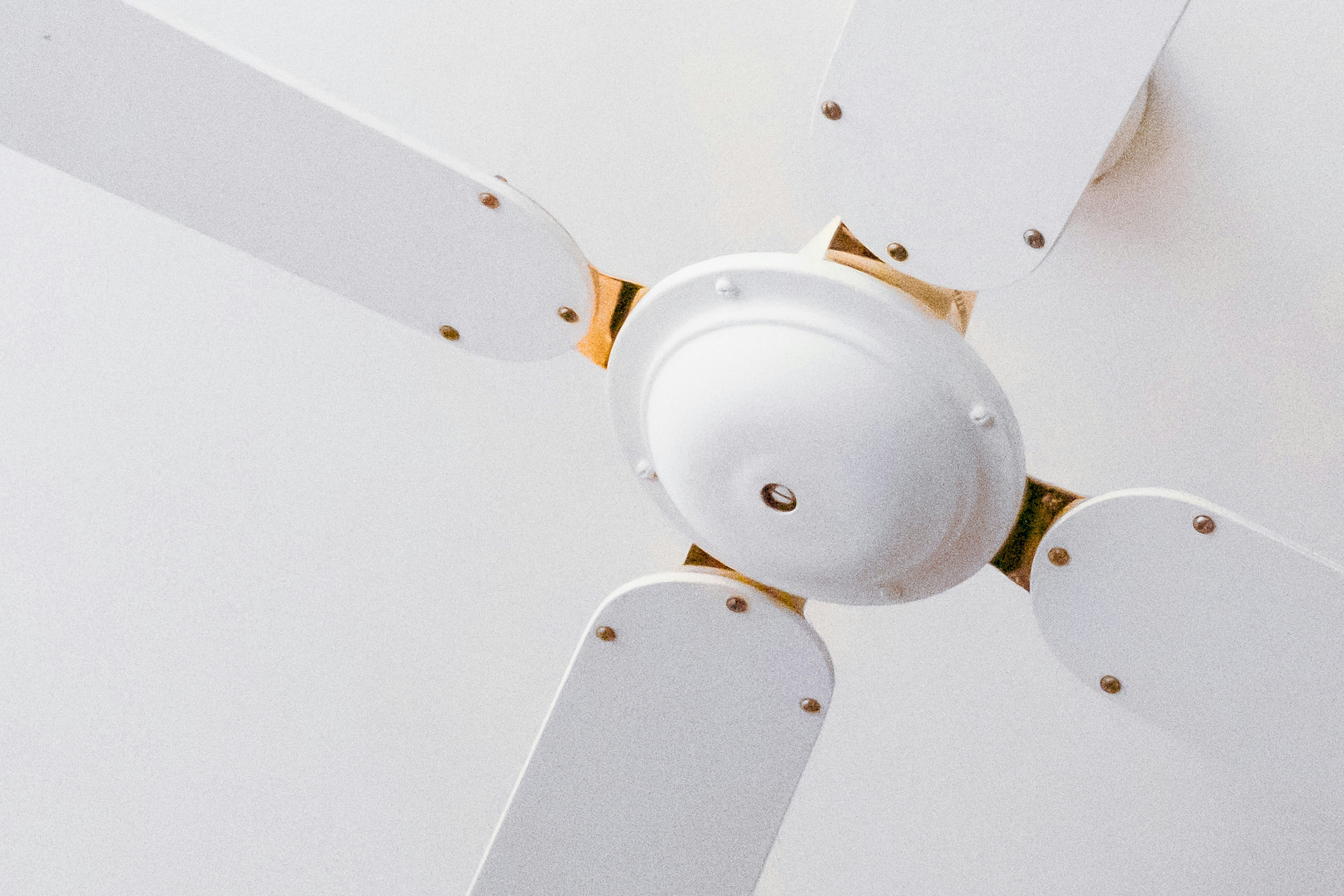
There are several reasons why a ceiling fan may become noisy. The most common causes include loose or unbalanced blades, a ceiling mount that is not installed securely, or dust building up on the blades.
If a fan continues to run while it is wobbling, it can place extra strain on the motor. Over time, this can reduce the fan’s performance and may cause the wobbling to become worse.
Step-By-Step Guide: How To Balance A Ceiling Fan Without A Balance Kit
A wobbly ceiling fan can often be fixed with a few simple checks and small adjustments. By following the steps below, you may be able to steady the fan blades without needing a ceiling fan balancing kit.
1. Turn Off The Fan
Turn off the power at the wall and wait until the fan blades stop spinning. It is important to make sure the fan is completely off before you start working on it.
2. Clean The Blades
Use a damp cloth to clean each fan blade. Dust can build up on the blades and make them uneven, which may cause the fan to shake when it is turned on.
3. Identify The Unbalanced Blade
Mark one of the fan blades with a small piece of tape so you can tell which one it is. Tape a coin near the middle of the blade, then turn the fan on to see if the wobbling gets better. Try the same step on each blade until you find which one is causing the problem.

4. Adjust Weight Placement
Once you find the blade causing the problem, move the coin along the blade a little at a time. Try placing it closer to the end or nearer to the center and see if the wobbling gets better. Start with a heavier coin, and then try lighter coins if needed.
5. Secure The Weight
When you find the best spot, secure the coin with strong tape or a small amount of glue. This works like the small plastic clip that comes in a fan balancing kit. If the coin or tape starts to feel loose, remove it right away.
7. Check Blades Alignment
Use a tape measure to check the distance from the ceiling to each fan blade. All the blades should be at the same height. If one blade is lower or higher, you can try bending the blades if it is a steel blade fan, or if the blades are attached to the fan with a metal bracket.
Extra Tips
If the blades are bent or damaged, you may need to replace them.
If the installation does not look correct, it may be best to hire a qualified electrician to reinstall the fan safely.
To adjust the balance, slowly move the clip or coin along the blade until the fan runs smoothly.
Always test the fan at the lowest speed first. Turn it on to see if the wobbling is fixed before increasing the speed. This helps balance the fan without putting extra strain on the motor.
Time To Bring In A Balancing Kit
If you have checked and tightened all parts of the fan and the wobbling still continues, a balance kit may be required to fix the fan wobble. Most new ceiling fans include a balance kit, but they are also available at most hardware stores. A typical kit contains a small plastic clip and several adhesive weights designed to help stabilise a wobbling ceiling fan.
Follow these steps to balance the fan:
- Attach the plastic clip to the back edge of one fan blade, roughly halfway along the blade.
- Turn the fan on at the lowest speed and observe whether the wobbling improves.
- If the wobble becomes worse, turn the fan off and move the clip to the next blade.
- Continue testing each blade until you find the blade where the wobble is reduced the most.
Once the problem blade is identified, slowly move the clip along the blade (either closer to the motor or toward the tip) until you find the position where the fan runs most smoothly.
After locating the best position, remove the clip and place one of the adhesive weights on the top of the blade in the same location.
Although the process may feel like a small experiment, this simple fan fixing method can significantly improve the fan’s stability and reduce noise. Proper balancing is especially important in rooms with hanging lights or pendants, where a wobbling fan may be more noticeable. Taking the time to complete this adjustment can help ensure smooth and reliable operation for many years.
Why Ceiling Fans Wobble In The First Place
Sometimes it helps to understand what causes the problem. A fan that shakes or rattles is usually reacting to small issues that can become bigger problems if they are ignored. In some cases, worn accessories or parts may need replacement to restore proper balance and performance.
Some common causes include:
- Dust on the blades: Dust can build up and make the blades uneven when the fan is turned on.
- Loose screws: Loose screws can affect how the fan connects to the ceiling or the blades.
- Bent or warped blades: If a blade is bent, the fan may become unbalanced.
- Poor installation: If the fan was installed too quickly or not correctly, it may not be secure.
- New fans that were not tightened properly: Even a new ceiling fan can wobble if the screws are not fully tightened or the blades are not lined up correctly.
- Blades with different weights: If one blade is heavier than the others, the fan may shake.
In hardware stores, you may be told to use a balancing clip or small weights to fix the problem. At home, a simple coin or another small household item can often be used in the same way to help balance the blades.
1. Misaligned Blades
The position of the fan blades is very important for smooth operation. If even one blade sits higher or lower than the others, the fan can start to wobble because the weight is uneven.
Solution: Carefully measure the distance from the tip of each blade to the ceiling. If one blade is higher or lower than the others, gently adjust it until all the blades are lined up evenly.
2. Accumulated Dust And Dirt
It might surprise you, but even a small layer of dust can make your fan unbalanced, especially if the dust builds up unevenly on the blades.
Solution: Clean the blades regularly using a damp cloth and mild soap. After cleaning, make sure the blades are fully dry to help prevent them from bending or warping.
3. Loose Screws Or Connections
Over time, screws might be loose on the blades, mounting bracket, or downrod. When this happens, the fan can start to wobble. Even one loose screw on any blade can affect the balance and place extra strain on the ceiling fan’s motor.
Solution: Turn off the power first. Then check all the visible screws and bolts. Use a screwdriver to tighten them and make sure everything is secure.
4. Damaged Or Warped Blades
Fan blades made from wood or similar materials can bend over time because of moisture or damage. When a blade bends, it can make the fan unbalanced.
Solution: Check each blade for signs of damage or bending. If a blade is damaged, replace it with a new one that matches the fan’s brand and model.
5. Improper Installation
A ceiling fan that is not installed properly may not have enough support. This can cause the fan to become unstable and start to wobble.
Solution: Make sure the fan is firmly attached to a ceiling joist or a strong electrical box. If the installation does not look correct, it may be best to hire a qualified electrician to reinstall the fan safely.
Troubleshooting Stubborn Wobbles
Sometimes a ceiling fan can still shake even after you add balancing weights. When this happens, the problem may be caused by something other than the fan blades being unbalanced.
Inspect The Mounting And Fan Blades
If the ceiling mount is not installed properly or the fittings are worn out, the fan can start to vibrate when it is turned on. Blades that are bent or cracked usually need to be replaced instead of adjusted. If a blade is damaged, it is best to install a new one rather than trying to repair it.
Listen For Motor Issues
Even if you balance the blades and remove the extra weight, the fan may still make noise if the problem is in the motor. Turn the fan on at a low speed and watch how it runs. If the problem continues, it is best to have a licensed electrician check the wiring and make sure the fan is safely attached to the ceiling.
DIY Fix vs Call A Pro: A Safety Checklist
It can sometimes be hard to know what is safe to fix yourself. Use this simple checklist to help decide if your ceiling fan problem is something you can handle or if you should call a licensed electrician.
| Fan Issue | Safe DIY Action | Call a Licensed Electrician |
|---|---|---|
| Wobbly Fan | Check and tighten the screws on the fan blades. | If the fan still wobbles after tightening the screws. |
| Noisy Fan | Clean the blades and the fan housing. Tighten any visible screws. | If you hear grinding, humming, or buzzing coming from the motor. |
| Light Not Working | Replace the light bulb and check the remote batteries. | If a new bulb does not fix the problem, which may mean a wiring issue. |
| Fan Not Spinning | Check the remote batteries and make sure the reverse switch is not stuck in the middle. | If the fan makes a humming sound but will not start, or if it does not turn on at all. |
| Burning Smell or Sparks | Do NOT try to fix it. Turn off the power at the main switchboard. | Call an electrician immediately. |
This checklist shows that if there are signs of an electrical problem (such as a burning smell, sparks, or a motor that has stopped working) it is safest to stop and contact a licensed electrician.
Preventing Future Ceiling Fan Wobbles
Taking care of your ceiling fan helps it run smoothly and last longer. A few simple habits can stop wobbling from coming back.
- Clean the blades regularly: Dust can make the fan unbalanced. Wipe each blade with a damp cloth, moving from the center of the blade to the edge.
- Check the screws: Every few months, check the screws on the blades and mounting brackets. Tighten any loose screws so everything stays secure.
- Watch the airflow: If the airflow feels uneven, one of the blades may be causing the problem.
- Check blade alignment: If a blade sits lower than the others or looks slightly tilted, it may need a small adjustment.
- Use the fan safely: Never hang objects from the blades. If you turn the fan on and notice wobbling, check the ends of the blades for signs of imbalance.
When DIY Isn’t Enough: Call The Experts
Sometimes coins and tape are not enough to fix a wobbly fan. Some problems need the skills and tools of a trained professional. You should call an electrician if you notice:
- Faulty wiring or lights that flicker when the fan is on
- Wobbling that continues even after you try to balance the blades
- Mounting or alignment problems that keep coming back
- Concerns about electrical safety while the fan is running
A licensed electrician can check the wiring, make sure the fan is installed correctly, and safely fix any problems. Allec Electrical Solutions provides ceiling fan installation and servicing across Ipswich, helping ensure your fan runs safely and reliably.

FAQ
How Often Should I Clean And Check My Fan?
Try to clean the fan blades every few months using a damp cloth. You should also check and tighten the screws and fittings at least twice a year to keep the fan secure.
What Tools Do I Need To Fix A Wobbly Ceiling Fan?
Common tools you may need include a ladder, a screwdriver, and a tape measure.
When Should I Call A Professional?
If the fan still wobbles after you try to balance it, or if you notice any wiring or electrical problems, it is safest to call a licensed electrician.